

Appraise.
Acquire.
Send to AIM.
List Online Faster.
Buy smarter. List faster.
✓ Fast, consistent firearm appraisals
✓ No manual entry, import directly into AIM
✓ Polished online listings in minutes

“The amount of labor required to take all the photos and create descriptions for the listings is expensive. Slingit does all of that in a fraction of the time." - Robbie Motes, The Armories
You take the photos.
Slingit & AIM do the rest.
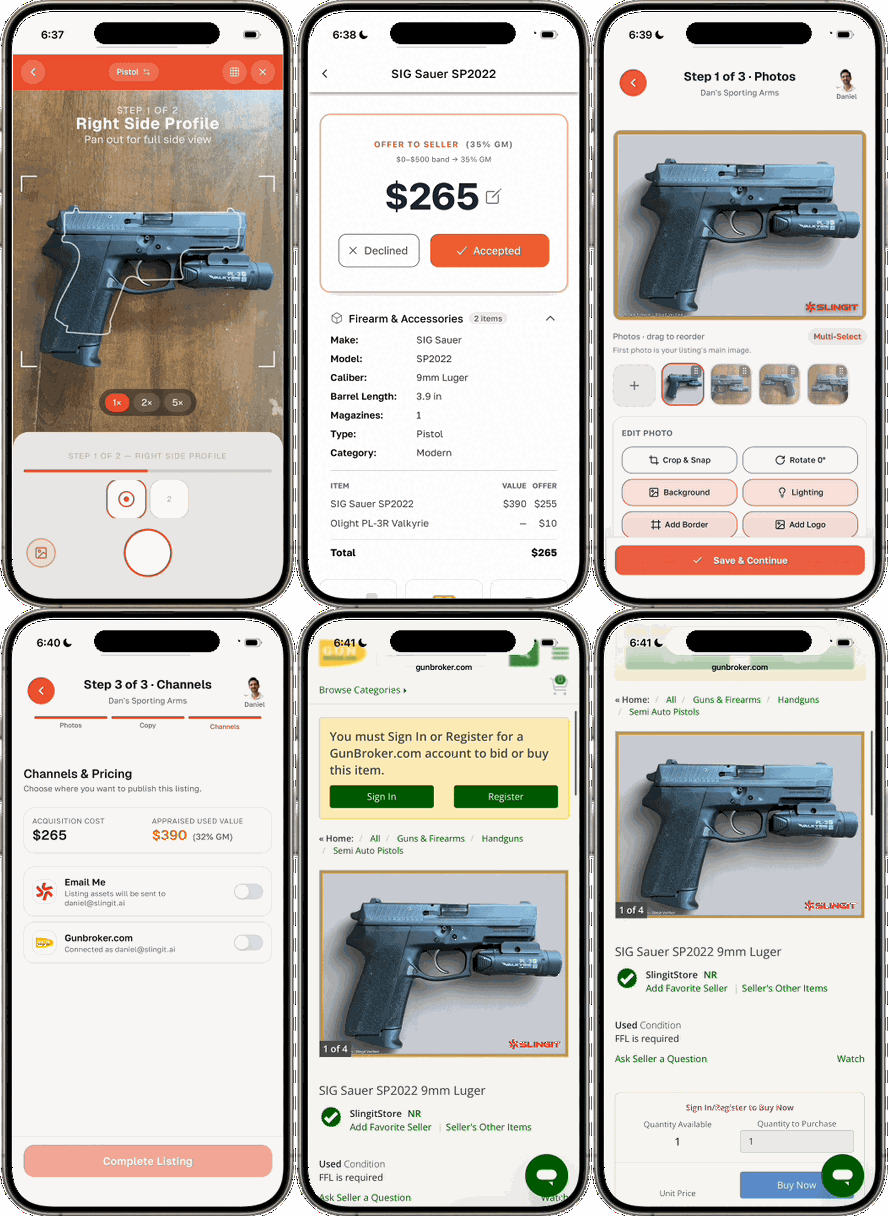
Watch Slingit identify, appraise, prepare, and publish a used gun in one guided workflow.
Take photos
Take a few guided photos of any firearm during intake and let Slingit do the rest.
Identify and appraise
Confirm the firearm details from Slingit and get a market-backed valuation and customer offer.
Acquire and import into AIM
Complete the acquisition in Slingit, and import the firearm directly into AIM—no manual entry.
Create the listing
Slingit turns the same intake photos and firearm details into polished images, an optimized title, and a professional description in minutes.
%20(1).jpg)
Less typing. Faster turns.
Reduce manual entry
Once a firearm is acquired, AIM imports the record directly from Slingit.
Save hours every week
Less research and more time spent serving customers.
Standardize the process
Give every employee the same guided workflow.
Turn used inventory faster
Get used guns online sooner so they can sell sooner.
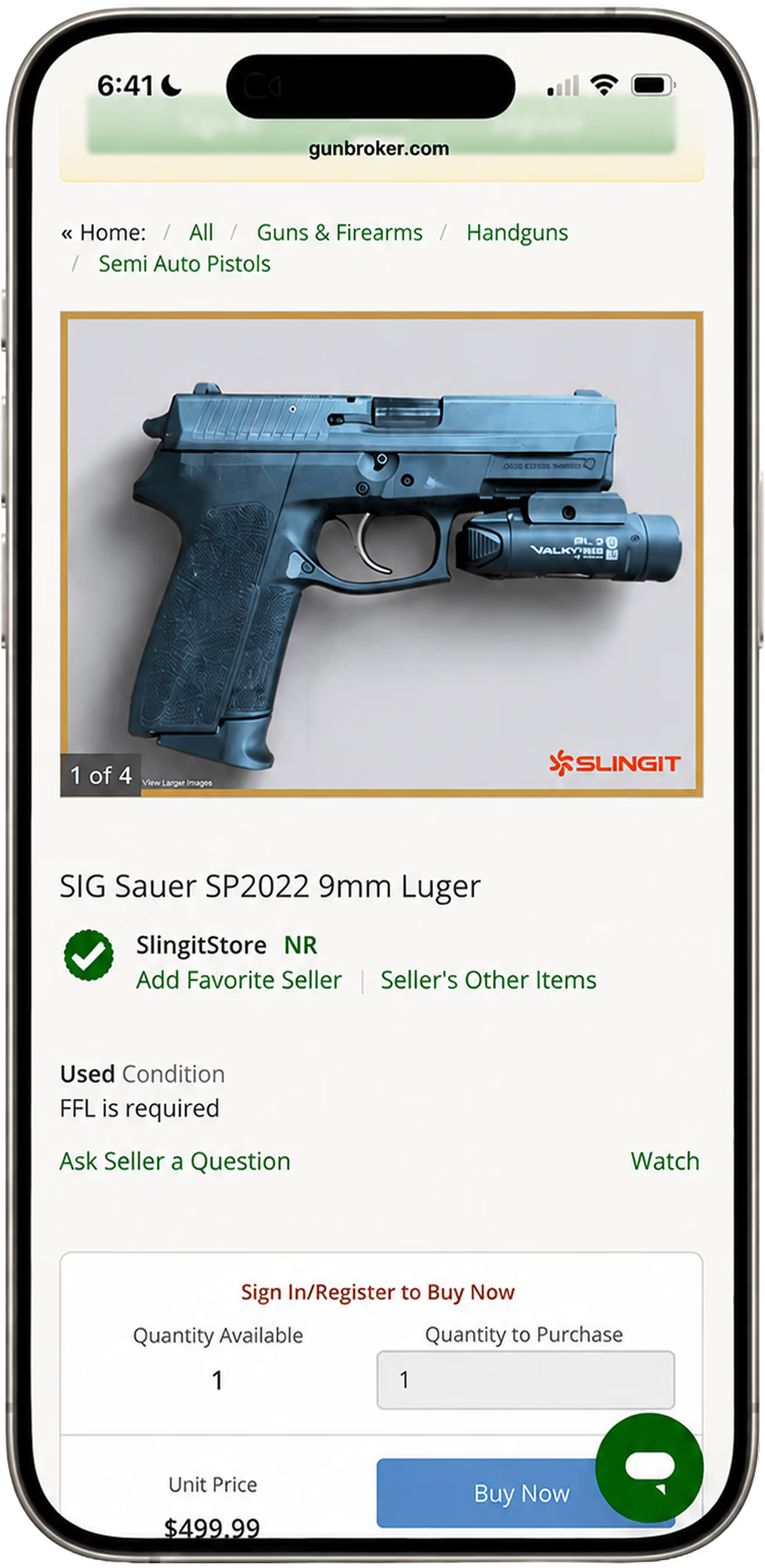
See the difference
From guided counter photos to a polished GunBroker listing.
%201.avif)
Pricing

FAQs
Slingit guides your team through identifying, appraising, acquiring, and preparing a used firearm for sale. Once your Slingit account is connected to AIM, you can import the acquired firearm record into AIM and sync the finished listing images and copy using buttons inside the AIM platform.
We recommend creating your Slingit account through Slingit first. This allows you to complete your store profile, add team members, set your margins and pricing preferences, and get Slingit running on your phone or counter device. Next, open AIM, select Sign In or Create Account, and sign in with your existing Slingit credentials to connect the two systems.
Yes. AIM allows you to create a basic Slingit account using your email address, store name, and FFL number. For the best setup experience, we recommend creating your account directly through Slingit first so you can configure your full store profile, users, margins, and account settings before connecting it to AIM.
After completing and accepting the acquisition in Slingit, open AIM and select the Import Slingit button. AIM will then import the firearm and acquisition information captured in Slingit for use in your point-of-sale and bound-book workflow. The import is not automatic—you initiate it by selecting the Import Slingit button inside AIM.
Import Slingit brings the accepted firearm acquisition record into AIM for your POS and bound-book process. The Sync Slingit button brings the prepared listing assets into AIM, including Slingit’s edited images and generated listing copy. Those assets can then be used within AIM’s supported online-selling workflows.
No. Your team captures and confirms the firearm information in Slingit during the appraisal and acquisition process. When you select Import Slingit Data inside AIM, that record is pulled into AIM without your team manually retyping the same information.
Yes. Slingit uses the firearm details and photos captured during intake to create polished listing images and professional listing copy in minutes. You can publish directly to GunBroker through Slingit when your GunBroker account is connected, or use Sync with Slingit to bring the listing assets into AIM for use with other supported sales channels.
No. AIM remains your point-of-sale and store-management system. Slingit improves the used firearm appraisal, acquisition, and listing-preparation process, then connects that work back to AIM through the Import and Sync functions.
No. Your team can take a few guided photos at the counter using a phone or dedicated device. Slingit then prepares cleaner, more professional images for your online listings.
Create your Slingit account, add your store settings and team members, and open Slingit on your phone or counter device. Then sign in to Slingit from inside AIM to connect your accounts and begin using the Import and Sync functions.
Slingit is $149 per month per store and includes unlimited appraisals and users. Optional listing fees are based on monthly listing volume. There is no long-term contract, and your first 30 days are backed by our money-back guarantee.
No. Slingit is a month-to-month subscription with no long-term contract. You can cancel anytime, and your first 30 days are covered by our money-back guarantee.
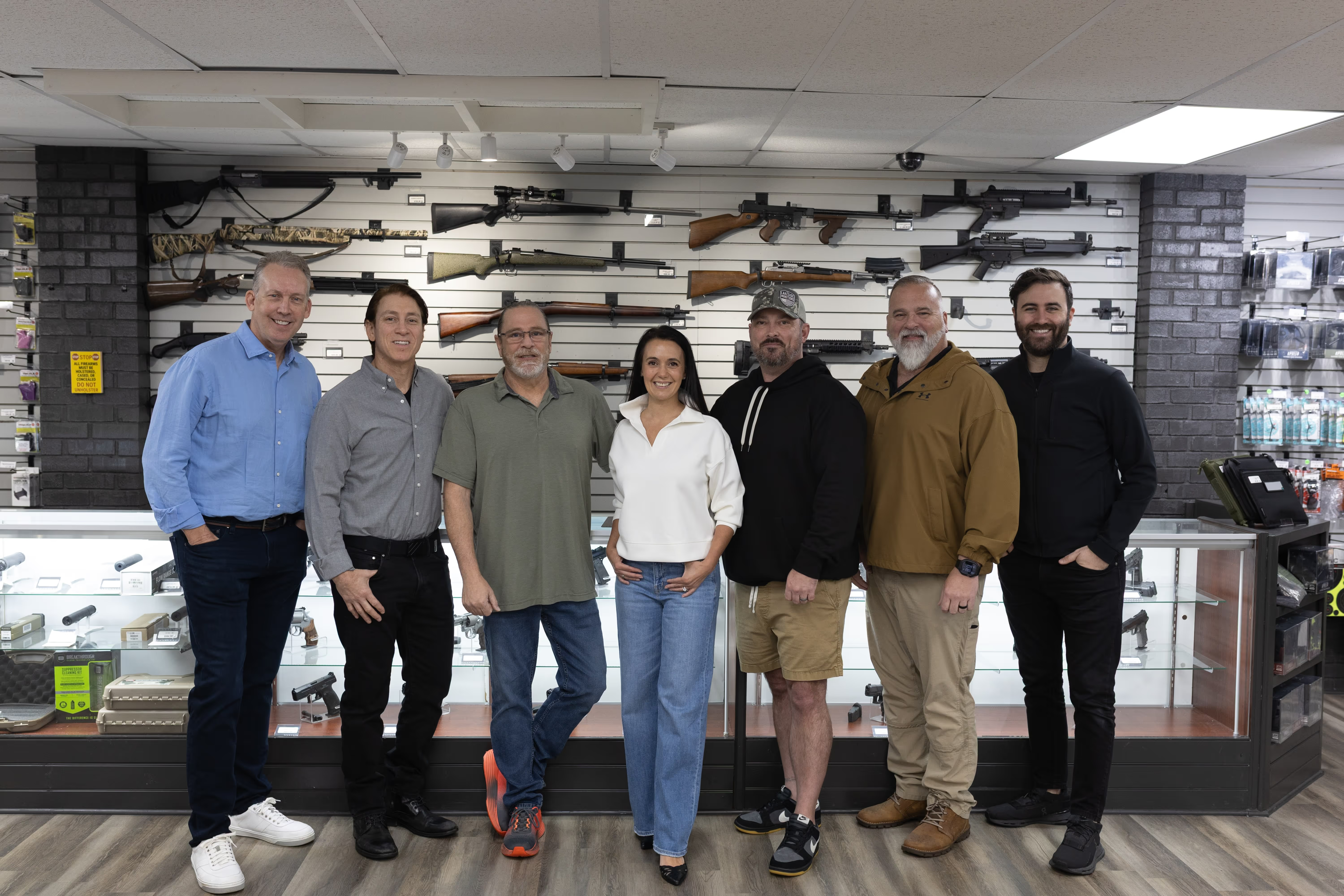
"Slingit has turned hours of work into minutes."
- Enterprise Online Sales
Start listing on GunBroker in
minutes
Join dealers already saving hours every week with Slingit.

Scan to get started with a 30-day money-back guarantee